
Voice LLM Application - Experiment 03: Multimodal Image Analysis - Voice Dialogue
Experiment Preparation:
- Ensure Doubao AI (Volcengine) and iFlytek AI are connected (refer to Experiment 01, Experiment 02)
- Find images as experiment material. Image import can be relative or absolute path. Relative path defaults to AI_online_voice/assets/sample.jpg (default relative path image is included in the package, can change relative path image but naming must be sample.jpg)
Experiment Steps: (Ensure voice module is connected)
cd AI_online_voice# Enter main directorypython examples/03_voice_image_dialogue.py# Run example program- After entering the program, according to terminal prompts, first enter y to enter image selection. Can choose absolute or relative path for voice. Absolute path requires manual input, relative path defaults to assets/sample.jpg
Terminal Operation Example:
Relative path selection:
Absolute path selection:
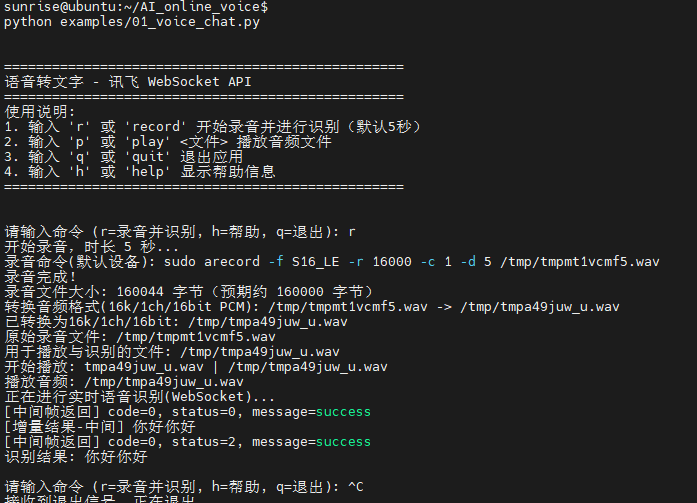
Image analysis:
Experiment Effect: Image upload → Multimodal LLM analysis → Voice dialogue output, implementing image understanding and voice interaction