
08 App Compilation
Due to factors such as insufficient processor chip performance, limited storage space, and insufficient compilation performance in the early days, early development boards generally used cross-compilation. Cross-compilation has several disadvantages: cannot compile offline, troublesome operation, complex environment configuration, etc.
The processor performance of GM-3568JHF is powerful, and the time for compiling programs on the development board by yourself will be very fast. Therefore, we recommend using the GCC software integrated on the board for compilation directly, which can reduce a lot of time in file transmission.
GM-3568JHF comes with a GCC compiler. We can use the following command to check the GCC version.
# Check gcc command
gcc -v

# Check gcc installation path
which gcc

# If there is no gcc, download and install
sudo apt update
sudo apt install gcc -y
As shown below:
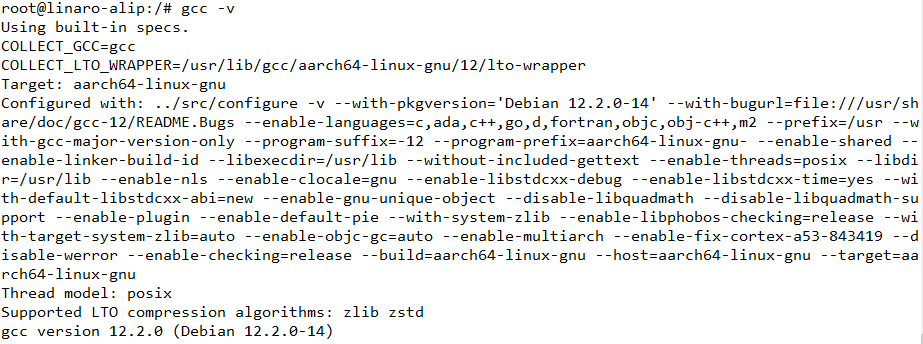
The gcc version used by the author is 12.2.0. The gcc version number may vary due to different images and systems, but it does not affect compilation.
1 Compile and Generate Executable File
Code:
#include <stdio.h>

int main(void)
{
        printf("Hello World!\n");
        return 0;
}
Compilation steps:
# Use vi to create hello.c file
vi hello.c

# Press 'i' or 'a' on the keyboard to enter edit mode
# Copy code to vim editor
# Press 'Esc' key on the keyboard
# Then type ":wq" to save and exit

# You can also download the source code directly to the board and then compile
# Enter command to compile
gcc -o hello hello.c

# Execute program
./hello
As shown below:
