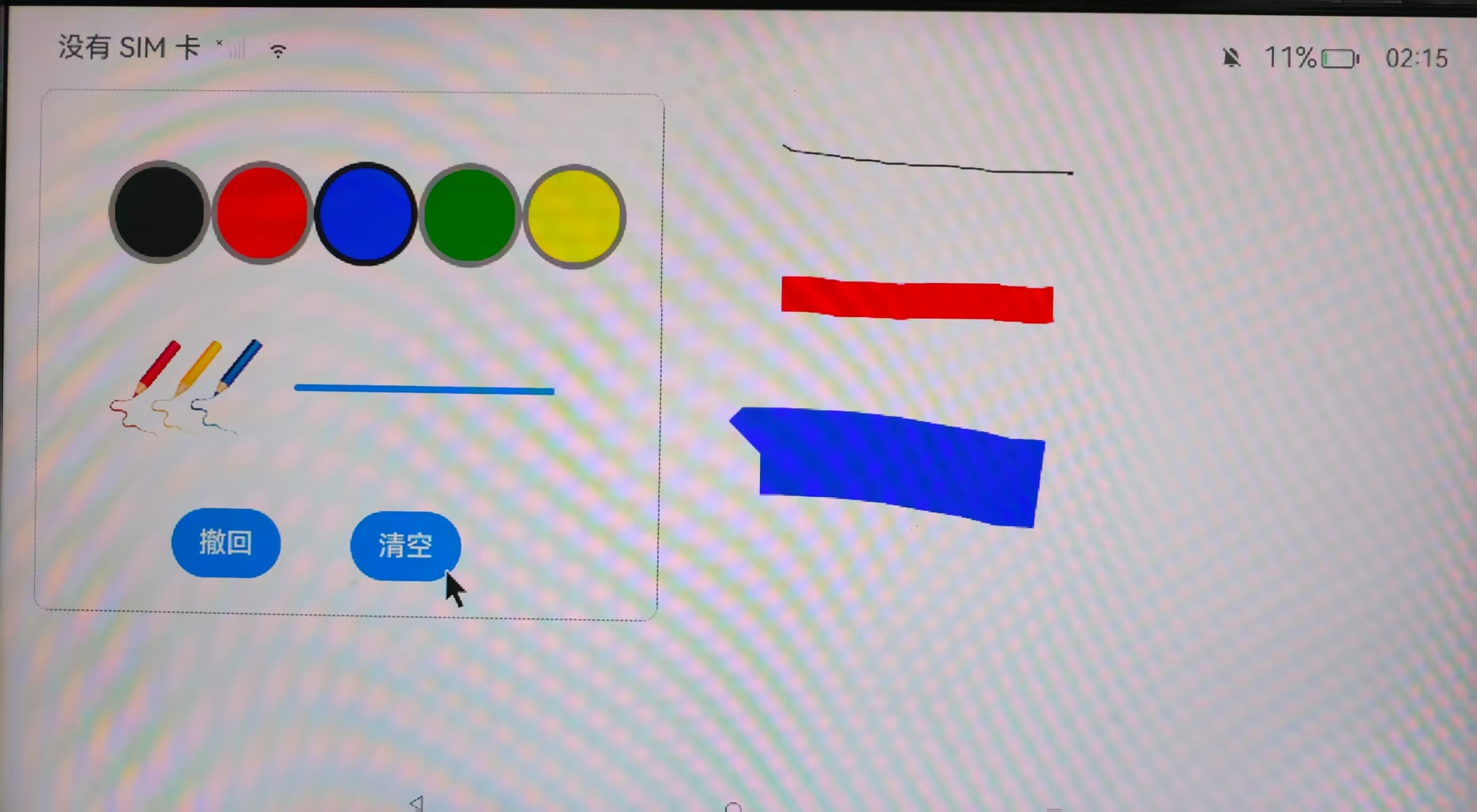
Writing-Board Application Demo
1 Demo Source Code and HAP Package Acquisition
1.1 Demo Source Code Acquisition
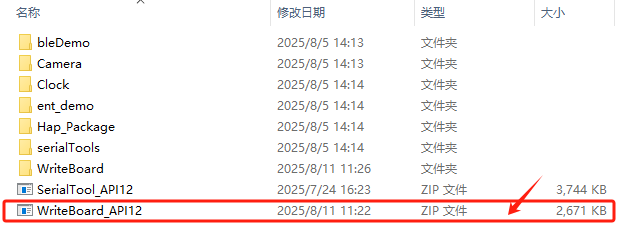
- Download WriteBoard_API12.zip from the Baidu Netdisk materials. Link: Extraction code:
Note:
Project path:ShimetaPi OpenHarmony Materials>SC-3568HA>05-Development Materials>01-OpenHarmory Development Materials>APP Demo>WriteBoard_API12.zip
- After extracting the compressed package, open the project through DevEco Studio to view the source code.
1.2 Demo HAP Package Acquisition
- Download WriteBoard_API12.hap from the Baidu Netdisk materials. Link: Extraction code:

Note:
File path:ShimetaPi OpenHarmony Materials>SC-3568HA>05-Development Materials>01-OpenHarmory Development Materials>APP Demo>Hap_Package>WriteBoard_API12.hap
2 Demo Installation Tutorial
Taking pushing a HAP package to the M4-R1 as an example, this introduces how to use the application demo.
- Connect the PC's USB port to the M4-R1's OTG port, and open Command Prompt (cmd) on the PC.
- Run the following command to check whether the HDC connection is successful. If successful, the device will be displayed as shown in the figure below.
hdc list targets
- Run the following command to switch to the directory where the HAP package is stored. In this demo the HAP package is stored on the desktop.
cd C:\Users\Administrator\DesktopIf the directory switch succeeds, it will appear as shown below.

- Run the following command to install the HAP package.
hdc install ${hap_name}  #hap_name:HAP 包的名字
hdc install SerialTool_API12.hap
On success, the following information will be returned.

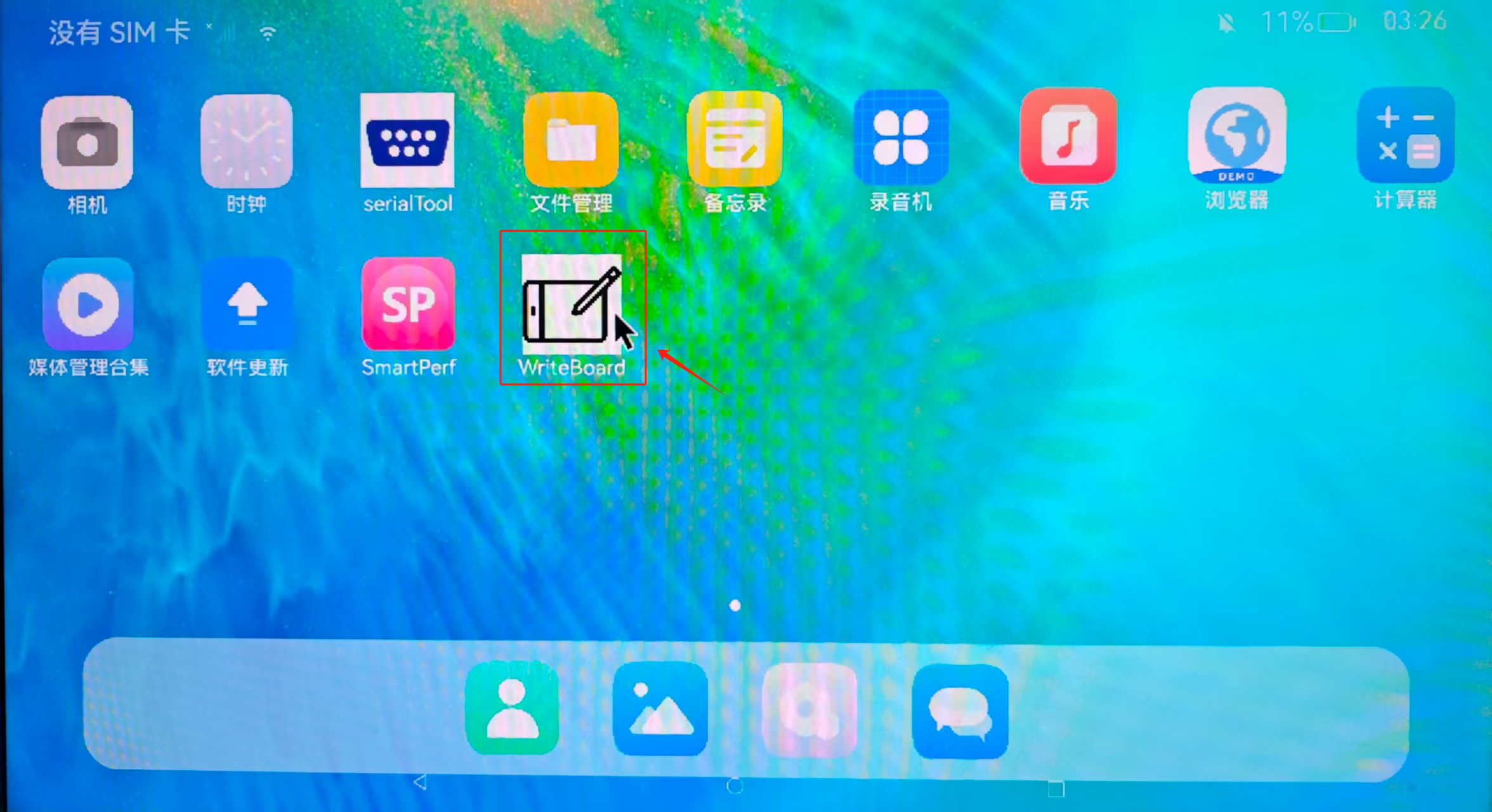
At this point the application icon will be displayed on the development board's desktop.
3 Demo Function Introduction
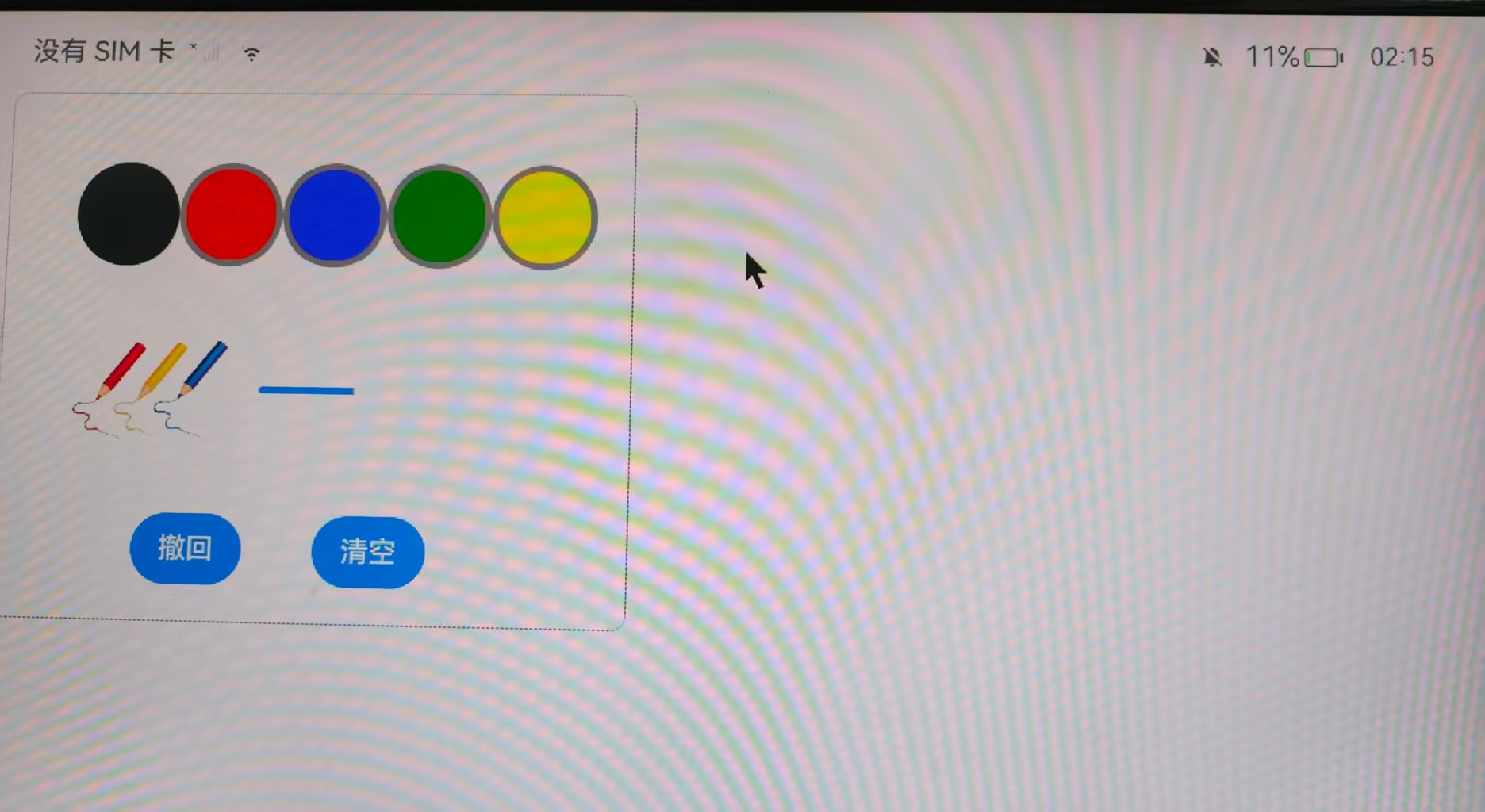
- Click the desktop icon to enter the application interface.
Inside the box on the left, the top row is a set of color-selection buttons; click one to select the corresponding brush color. In the middle on the right there is a slider; drag it to adjust the brush thickness — the further to the right, the thicker. At the bottom of the box are two buttons: "Undo" and "Clear". Click "Undo" to remove the last stroke; click "Clear" to remove all drawing marks and return to a blank canvas.
- The following is a demonstration of some functions.