
Voice LLM Application - Experiment 06: Multimodal Vision Application - Voice Dialogue
Experiment Preparation:
- Ensure Doubao AI (Volcengine) and iFlytek AI are connected (refer to Experiment 01, Experiment 02)
- Connect USB camera (this experiment uses USB camera as example), run
ls /dev/video*to check if camera is connected. Program uses default camera interface video0, can change if different - Install OpenCV:
pip install opencv-python(skip if already installed)
Experiment Steps: (Ensure voice module is connected)
cd AI_online_voice# Enter main directorypython examples/06_voice_camera_analysis.py# Run example program
Terminal Operation Example:
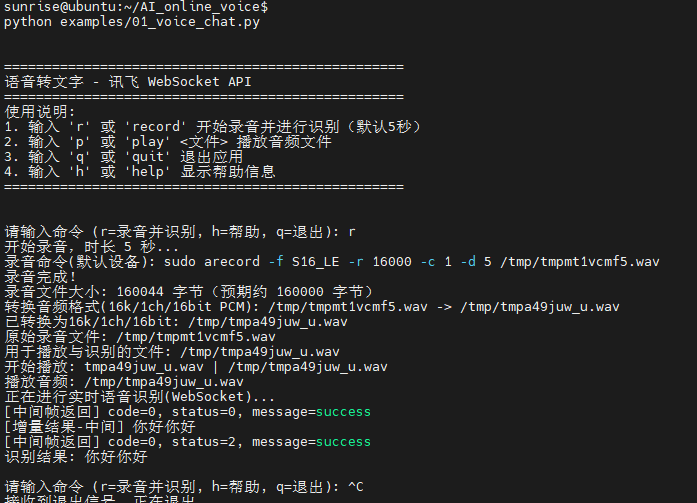
Experiment Effect: Camera connection → Real-time small window display → Voice input command → Capture current frame → Submit captured image with voice command to Doubao for analysis → Voice dialogue output
This experiment implements real-time camera vision understanding combined with voice interaction.