
Machine Vision Practice
Experiment 4 - YOLOv5 Object Detection
Experiment steps:
- python3, opencv, and a conda environment must be installed. (Skip if already installed; refer to the environment installation flow in Experiments 1-3.)
- Clone the YOLOv5 model. In the terminal, enter:
git clone https://github.com/ultralytics/yolov5

cp -r /home/sunrise/yolov5 /home/sunrise/OPENCV/# Copy the yolov5 package into the function package directory
cd OPENCV
pip install -r /home/sunrise/OPENCV/requirements_yolov5_torch.txt
(Installs the minimal dependencies for running YOLOv5)
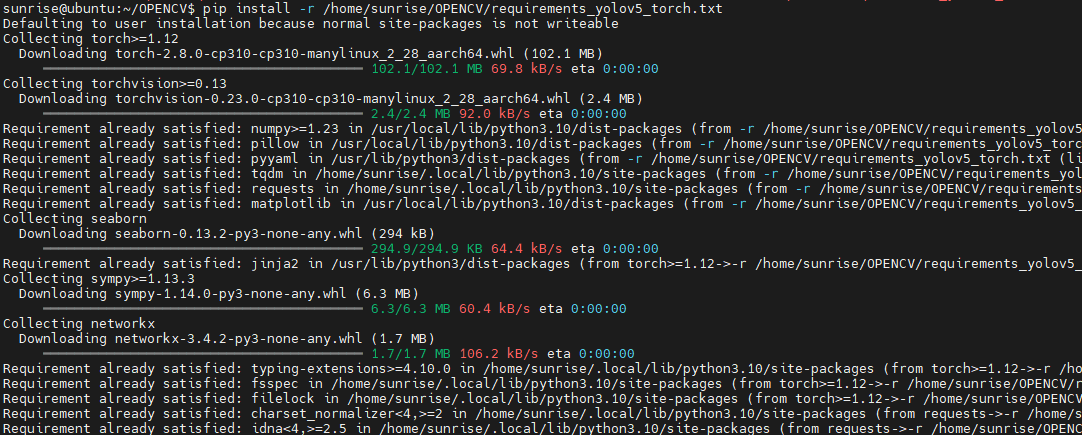
source rdkx5_vision_env/bin/activate# Activate the virtual environmentInstall the related packages:
In the OPENCV directory,
first upgrade pip: python -m pip install --upgrade pip
Run the following commands:
pip install torch torchvision --extra-index-url https://download.pytorch.org/whl/cpu)
pip install ultralyticspip install pandas psutil thop scipypython -m
pip install tqdm
Likely needed later; recommended to install together: python -m pip install pandas psutil thop pillow pyyaml requests matplotlib seaborn
(The following steps can be skipped initially. First try running the example file. If a too-low dependency version prevents the model from running, then update:
Upgrade the base install tools: python -m pip install -U pip wheel setuptools==70.0.0
Install/upgrade missing dependencies: python -m pip install -U gitpython pillow==10.3.0
)
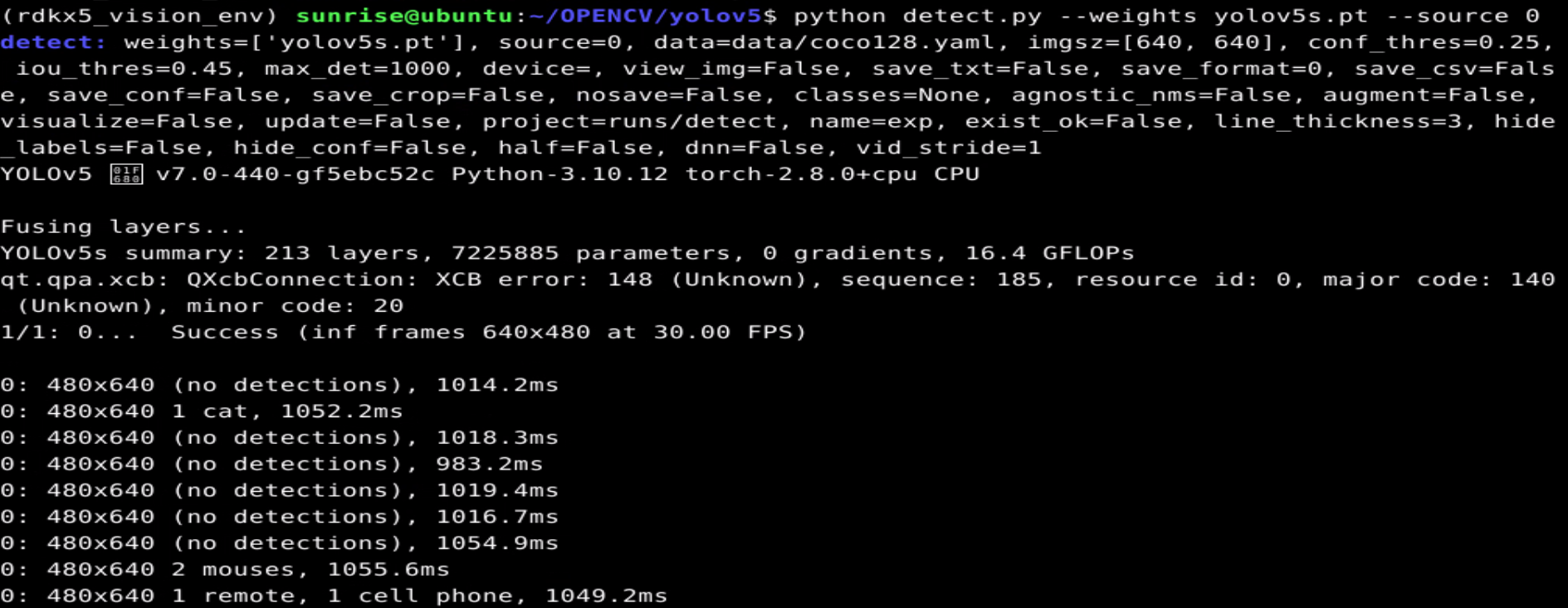
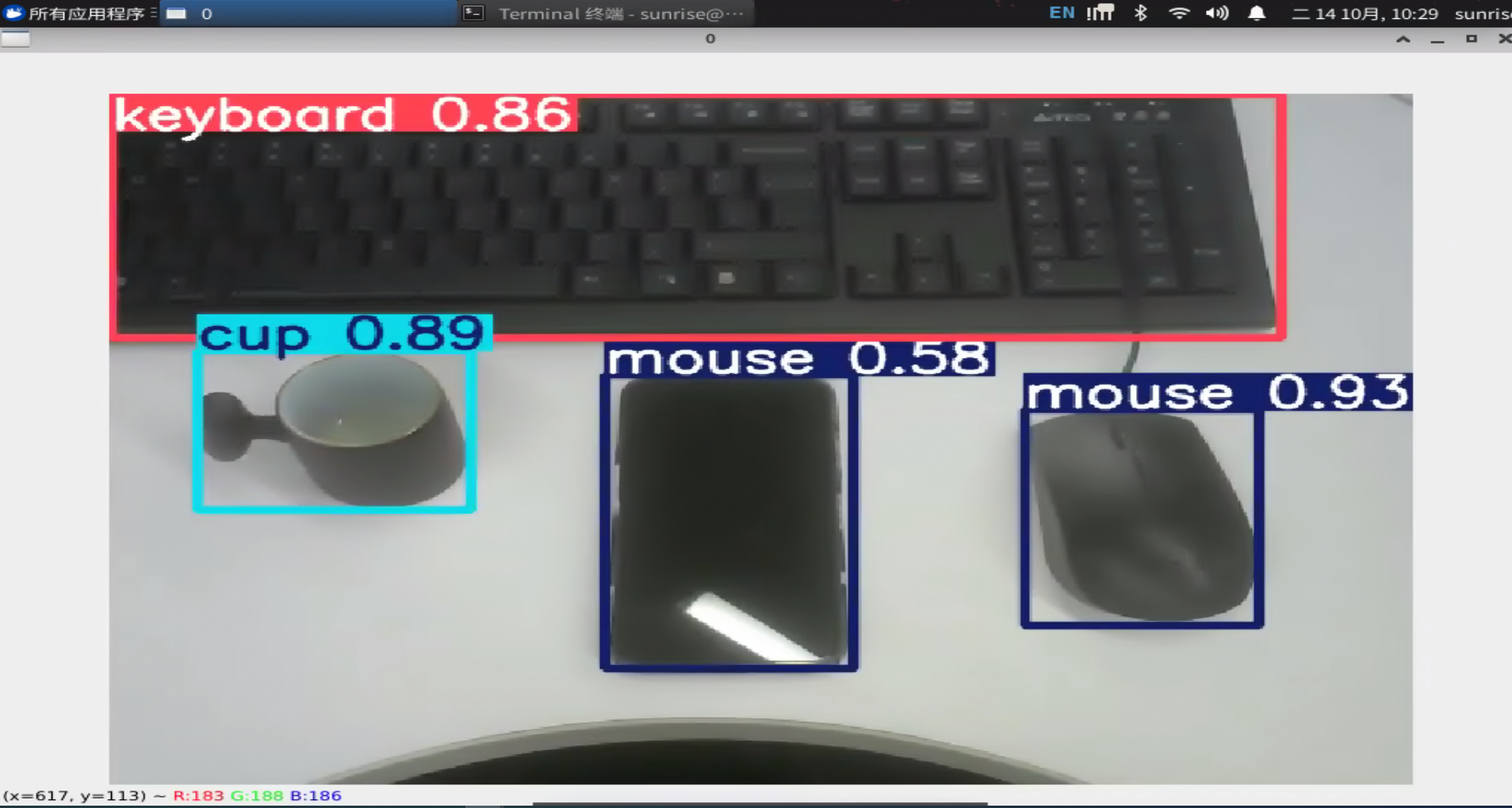
cd yolov5# Enter the packagepython detect.py --weights yolov5s.pt --source 0# Run the camera-based example; ensure the camera is properly connected
Terminal output:
If no camera is available, you can use a local image or video:
Quick verification with a local image
python detect.py --weights yolov5s.pt --source path\to\image.jpg# Replacepath\to\image.jpgafter--sourcewith your image pathVerification with a video file
python detect.py --weights yolov5s.pt --source path\to\video.mp4# Replacepath\to\video.mp4after--sourcewith your video path