
Introducing and Using Third-Party Libraries
Official document link: Common issues on using third/fourth-party libraries
2.1 Get Available Third-Party Libraries
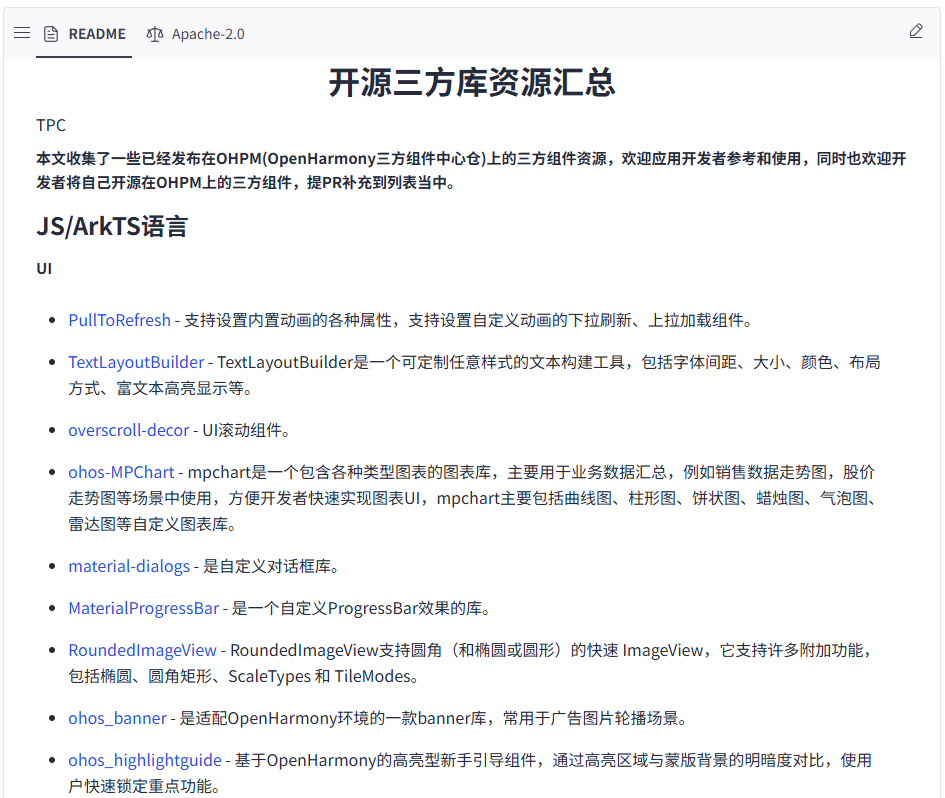
The third-party libraries available through ohpm are summarized on GitCode: tpc_resource: third-party component resource summary - GitCode
2.2 Use ohpm to Introduce a Third-Party Library
2.2.1 Terminal Method
Right-click the project folder, choose to open it in a terminal, and use the following command to enter the entry directory.
cd entry

# 以引入“dayjs”为例,执行以下指令进行安装
ohpm install dayjs

# 在对应的js文件中直接引用。
import dayjs from 'dayjs';
2.2.2 Modify oh-package.json5 Method
Open the entry directory under the project directory and find the oh-package.json5 file in that directory. Write the third-party library you want to install into the oh-package.json5 file. Taking "dayjs" as an example, the example is as follows:
{
  "dependencies": {
    "dayjs": "^1.10.4"
  }
}