
2. Hardware Preparation and Environment Configuration
2 Hardware Preparation
2.1 Required Hardware List
Before starting, please ensure you have the following hardware ready:
| Hardware | Description | Required |
|---|---|---|
| RDK X5 Development Board | Main board running example programs | ✓ |
| EVS Event Camera Module | Connects to RDK X5 | ✓ |
| Power Adapter | 5V/3A or higher power | ✓ |
| SD Card | Recommended 32GB or above, Class 10 | ✓ |
| HDMI Monitor | Used to view real-time screen | Recommended |
| HDMI Cable | Connects development board and monitor | Recommended |
| Ethernet Cable/WiFi | Used for remote access (optional) | Optional |
| USB Keyboard | Local operation (optional) | Optional |
2.2 Hardware Connection Steps
Step 1: Install SD Card
- Ensure the SD card has been flashed with the system image.
- Insert the SD card into the SD card slot of the RDK X5.
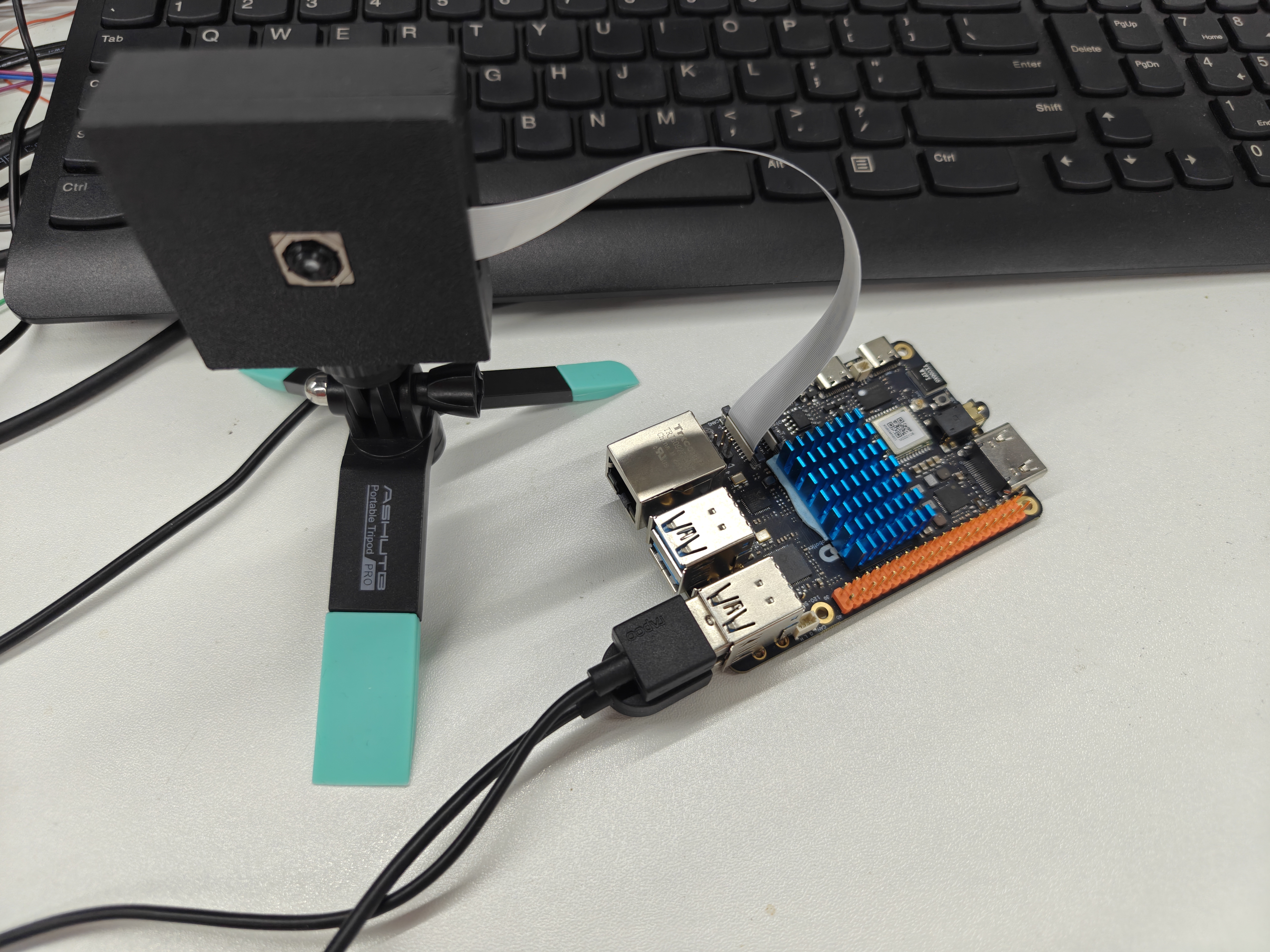
Step 2: Connect EVS Camera
- Find the MIPI CSI interface on the RDK X5.
- Gently open the interface buckle.
- Insert the EVS camera cable.
- Press the buckle to secure the cable.
Step 3: Connect Monitor
- Use an HDMI cable to connect the RDK X5 and the monitor.
Step 4: Connect Power
- Connect the power adapter.
- Observe the development board indicator light (should start flashing).
3 Environment Configuration
3.1 System Login
Please follow the RDK official guide to complete the environment setup and network connection.
https://developer.d-robotics.cc/rdk_doc/RDK
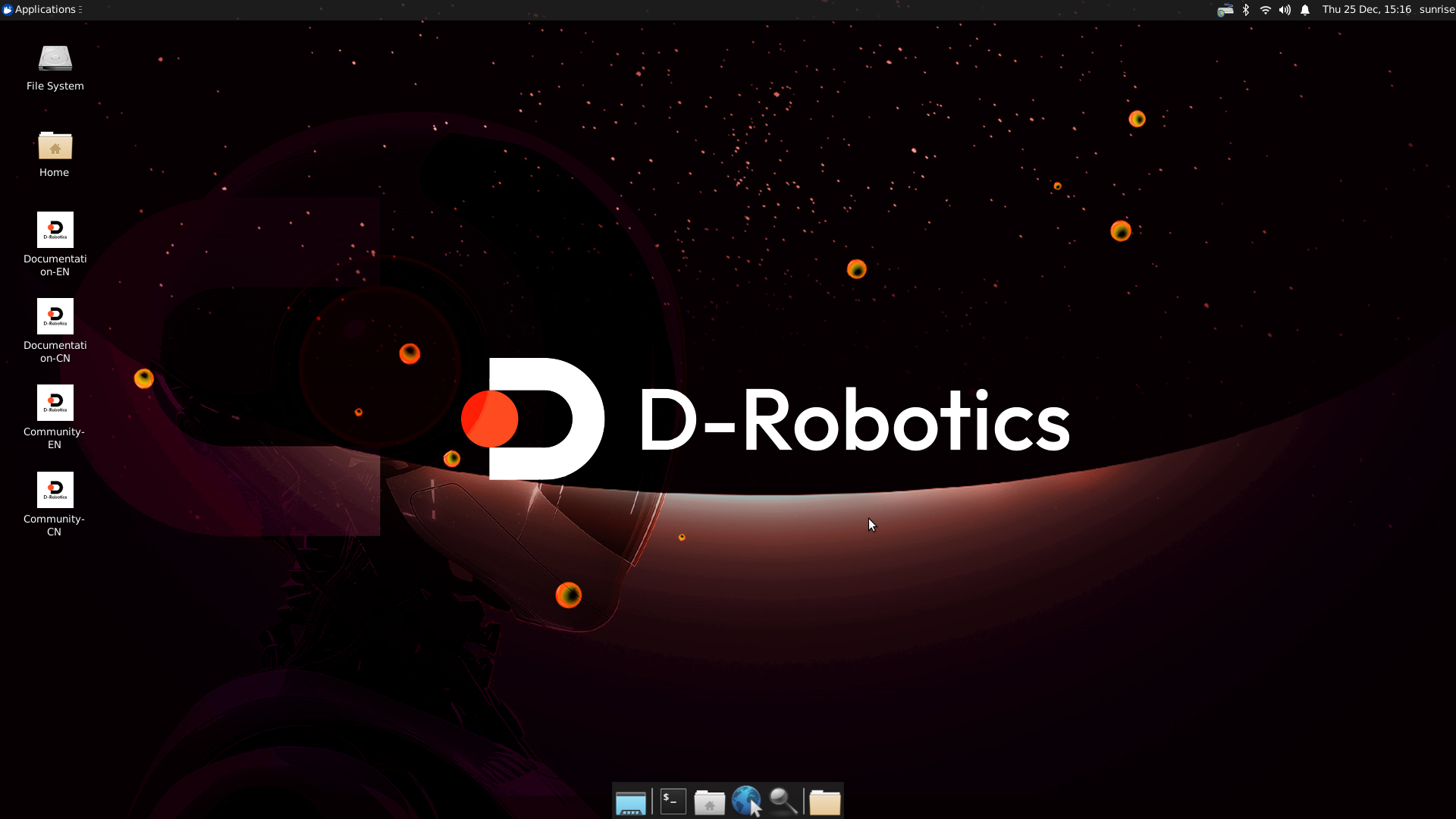
After completion, enter the desktop system.
3.2 Upload Example Program
Data download link:
Tips
Link: https://pan.baidu.com/s/1Fjj0eYz2yTA7B_pmjnQ5MA?pwd=ka5k Extraction code: ka5k
Use tools like SSH to copy the deployment file folder evs_mode_release to the RDK system. Here, /app/cdev_demo/sample_evs/evs_mode_release is used as an example.
3.3 Configure Environment Variables
Copy the library files in the lib folder to the /usr/hobot/lib/sensor/ directory:
sudo cp /app/cdev_demo/sample_evs/evs_mode_release/lib/libapx003cc.so.1.0.0 /usr/hobot/lib/sensor/libapx003cc.so.1.0.0
sudo cp /app/cdev_demo/sample_evs/evs_mode_release/lib/libapx003cc.so.1 /usr/hobot/lib/sensor/libapx003cc.so.1
sudo cp /app/cdev_demo/sample_evs/evs_mode_release/lib/libapx003cc.so /usr/hobot/lib/sensor/libapx003cc.so
Then grant executable permissions to the files:
chmod +x /app/cdev_demo/sample_evs/evs_mode_release/lib/libapx003cc.so.1.0.0
chmod +x /app/cdev_demo/sample_evs/evs_mode_release/lib/libapx003cc.so.1
chmod +x /app/cdev_demo/sample_evs/evs_mode_release/lib/libapx003cc.so