
EVS Network Server
For where this feature sits in the USB-camera system, see System Architecture. :::
📋 Introduction
EVS Network Server is a high-performance TCP data-transfer solution designed for real-time transmission and reception of event-camera data streams. It supports multi-threaded processing, ensuring stable and efficient data transmission.
📋 Technical specifications
System requirements
- Operating system: Ubuntu 22.04 / CentOS / RHEL
- Build tools: gcc, g++, build-essential
- Network protocol: TCP/IP
- Default port: 8888 (configurable)
🔧 Dependencies
- Required: gcc, g++, pthread, librt (usually shipped with the system)
- Optional: OpenCV (for real-time visualization; data can still be received without it)
🚀 Quick start
Run the receiver on a PC
# 优化TCP接收端缓冲区(重要)
chmod +x optimize_tcp_buffers_receiver.sh
./optimize_tcp_buffers_receiver.sh

# 运行接收端
./evs_tcp_receiver_mt <PORT>
# 例如:
./evs_tcp_receiver_mt 8888
Build the receiver standalone (x86_64 / PC)
1. Install dependencies
Option 1: auto-install via Makefile
make install_depsOption 2: manual install
Ubuntu/Debian:
# 安装基础编译工具
sudo apt-get update
sudo apt-get install -y build-essential

# 安装OpenCV(可选,用于可视化)
sudo apt-get install -y libopencv-dev pkg-config
CentOS/RHEL:
# 安装OpenCV(可选)
sudo yum install opencv opencv-devel
2. Build the receiver
# 使用独立Makefile编译
make receiver

# 或者查看帮助
make help
3. Run the receiver
# 优化TCP接收端缓冲区
chmod +x optimize_tcp_buffers_receiver.sh
./optimize_tcp_buffers_receiver.sh

# 使用默认端口8888
./evs_tcp_receiver_mt

# 或指定端口
./evs_tcp_receiver_mt 9999
Program screenshot 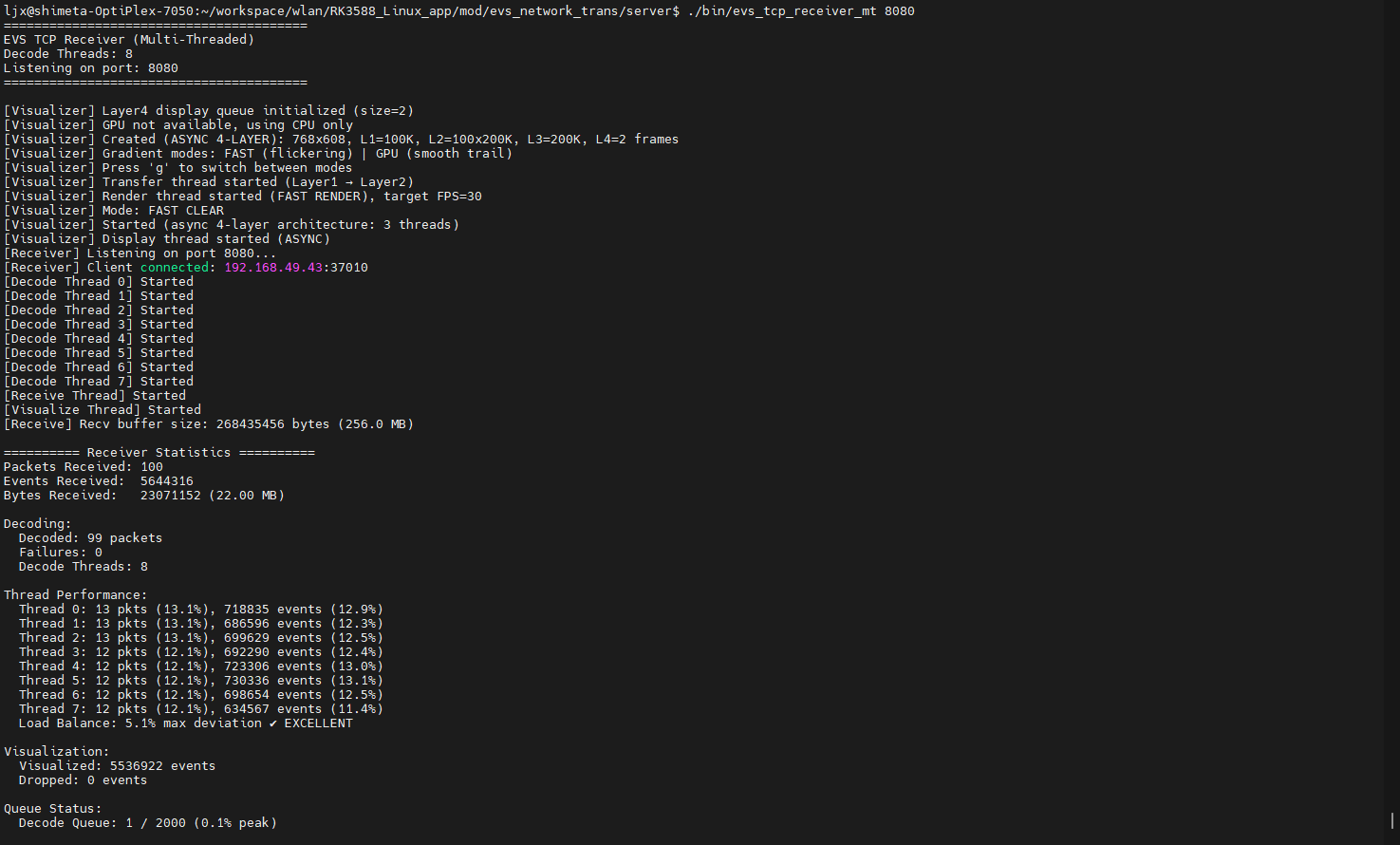
4. Clean build files
make clean_receiverDownloads
Tips
You can download related materials — such as the EVS receiver and time-sync receiver source code — from the link for more detail.
The development materials include the following: 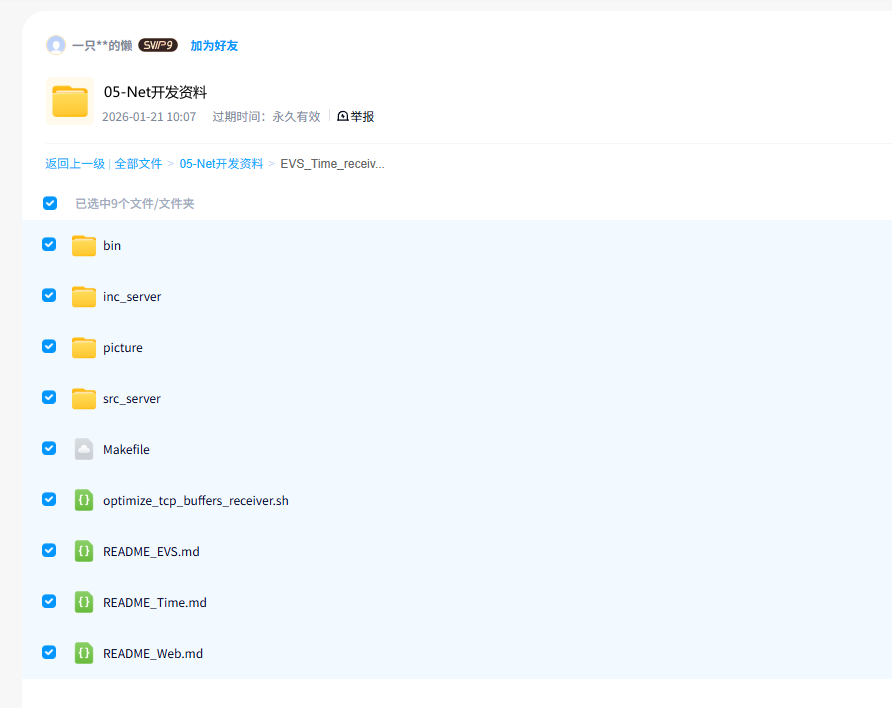
🚨 Troubleshooting
Common issues
Issue 1: build complains it cannot find OpenCV
OpenCV is an optional dependency and does not affect core functionality.
- If you need visualization: install OpenCV and rebuild
- If you don't need visualization: ignore the warning; the program can still receive data normally
Issue 2: the receiver cannot connect
# 检查防火墙设置:根据实际设置的端口检查防火墙设置
sudo ufw allow <PORT>/tcp
# 例如:
sudo ufw allow 8888/tcp

# 或使用firewall-cmd
sudo firewall-cmd --add-port=<PORT>/tcp --permanent