
MIPI Screen Detection Demo
Demo Introduction
This demo describes how to test the MIPI interface functionality on the development board.
The backlight control device node on the development board is /sys/class/backlight/backlight. Run the following command to change the screen brightness according to the value.
echo 200 | sudo tee /sys/class/backlight/backlight/brightnessThis demo controls the brightness by writing different brightness values to the backlight control device node.
Hardware Connection
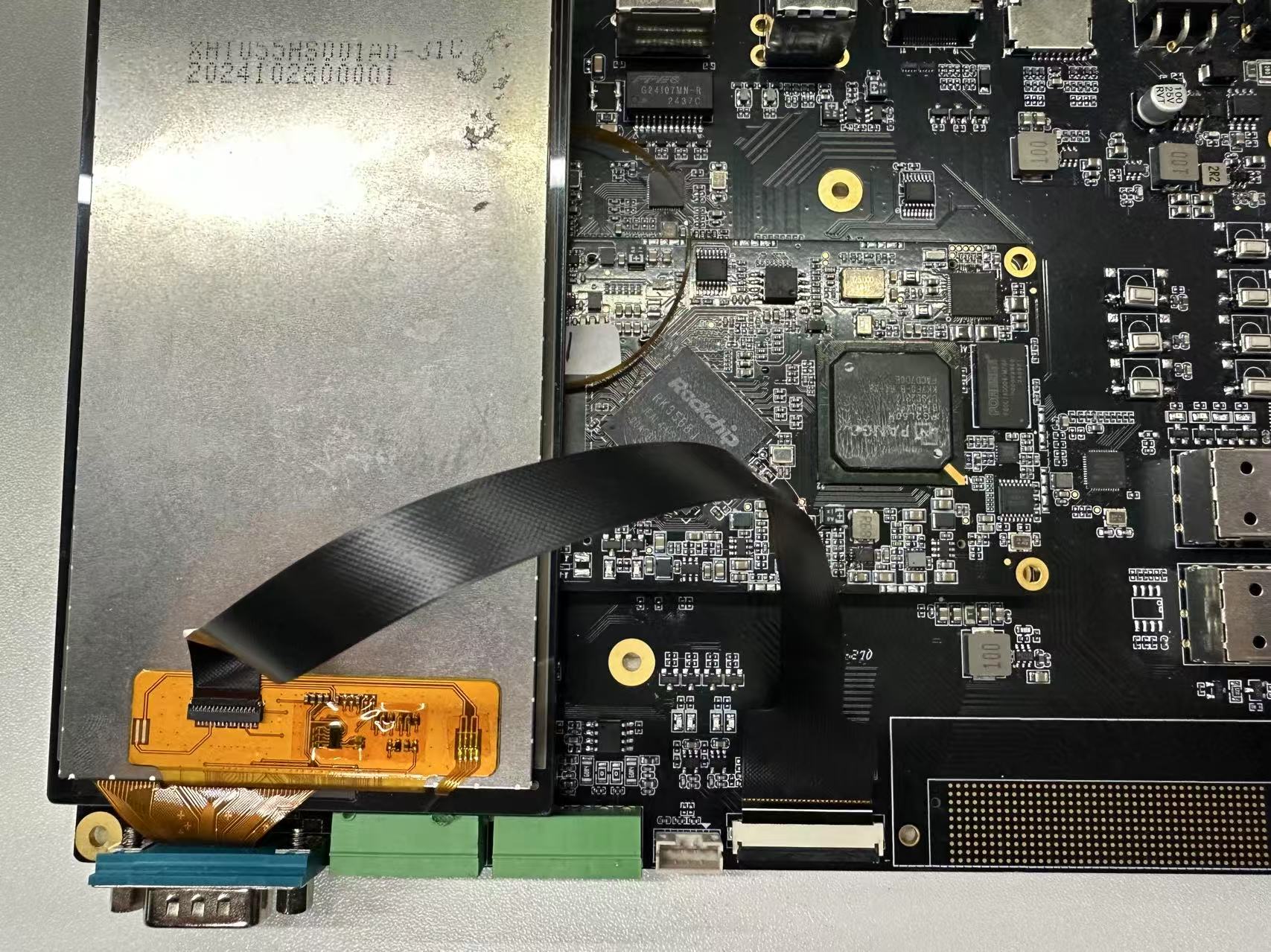
Before testing, ensure that the MIPI display is correctly connected to the development board interface. The connection diagram is shown below.
Procedure
Copy the executable smdt_lcd_demo from the bin directory of this demo (05-开发资料\软件开发资料\linux_demo\smdt_lcd_demo\bin) to the development board's filesystem (the source code can be found in the src directory). Open a terminal and run the following command to switch to the directory containing the smdt_lcd_demo executable.
cd ‘文件所在目录’After switching, run the ls command to verify that the smdt_lcd_demo executable is in the current directory.
lsIf the executable smdt_lcd_demo exists in the current directory, proceed with the following operations. Enter the following command to modify the file permissions.
chmod 777 smdt_lcd_demoAfter modifying the permissions, enter the following command to verify the change.
ls -ld smdt_lcd_demoThe result is: -rwxrwxrwx 1 root root 19016 Mar 3 09:55 smdt_lcd_demo.
-rwxrwxrwx indicates that the permissions have been modified successfully and the file can be executed. You can continue with the following operations.
Continue entering commands to view the program parameter information.
./lcd_demo -h
./lcd_demo -d /sys/class/backlight/backlight/
The backlight brightness of the MIPI screen cycles from high to low, with each brightness level held for 0.5s. The command window prints the following information:

Press Ctrl+C to exit the test.