
Web Window
For where this feature sits in the USB-camera system, see System Architecture. :::
1. Overview
The web side is the interface for controlling the camera device via a web page. It communicates with the device over HTTP, enabling remote control and monitoring of the device.
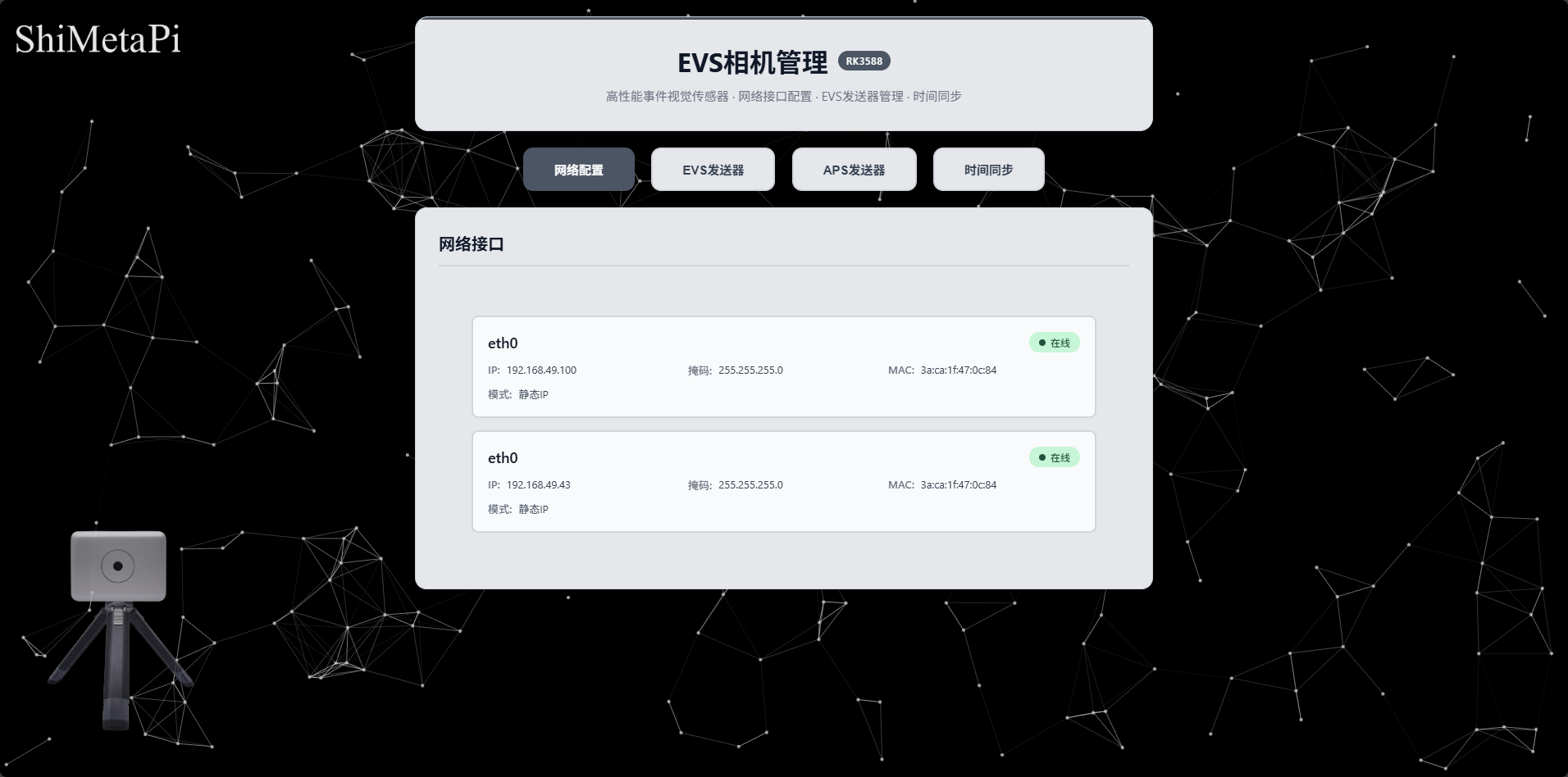
2. Interface preview
PC interface:
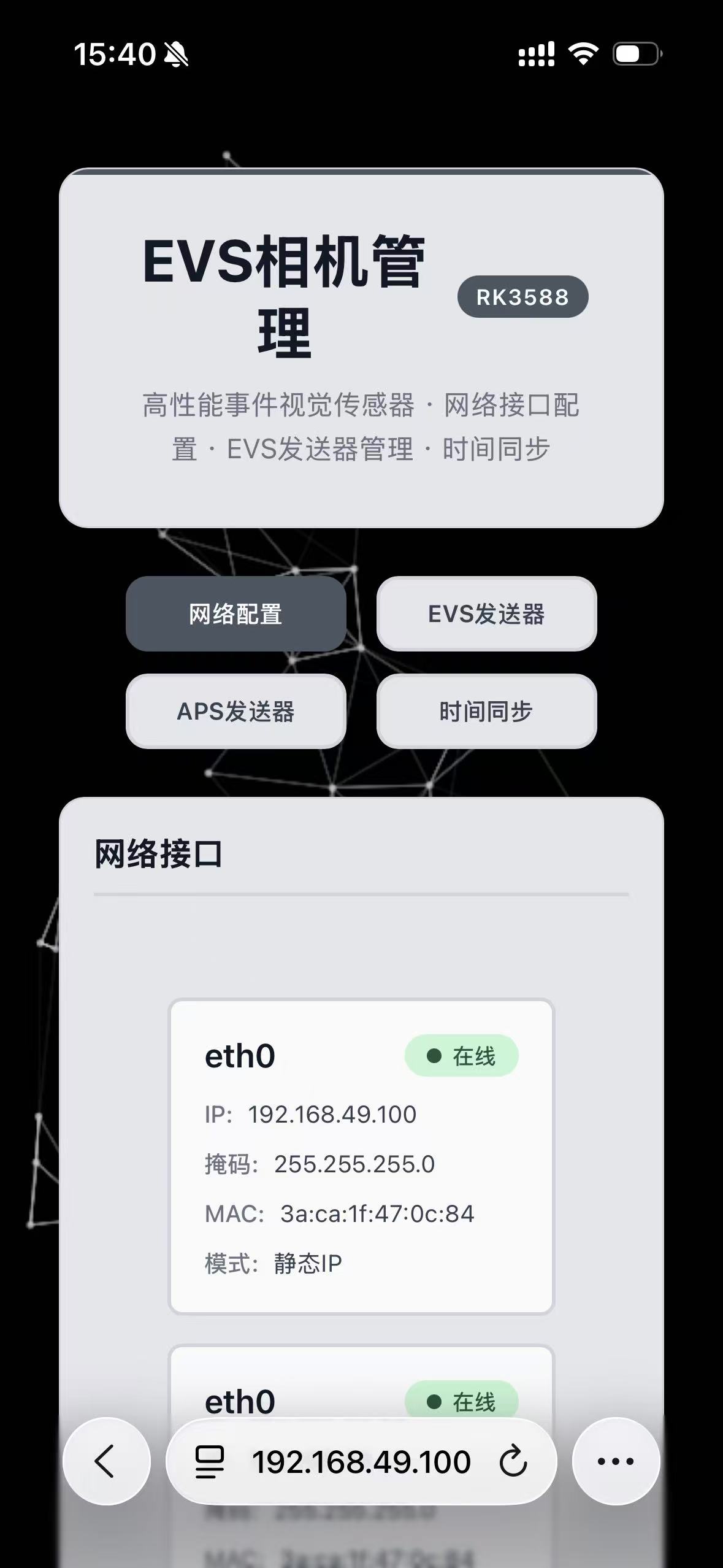
Mobile interface:
3. Camera IP modification
Click the network interface to configure the network
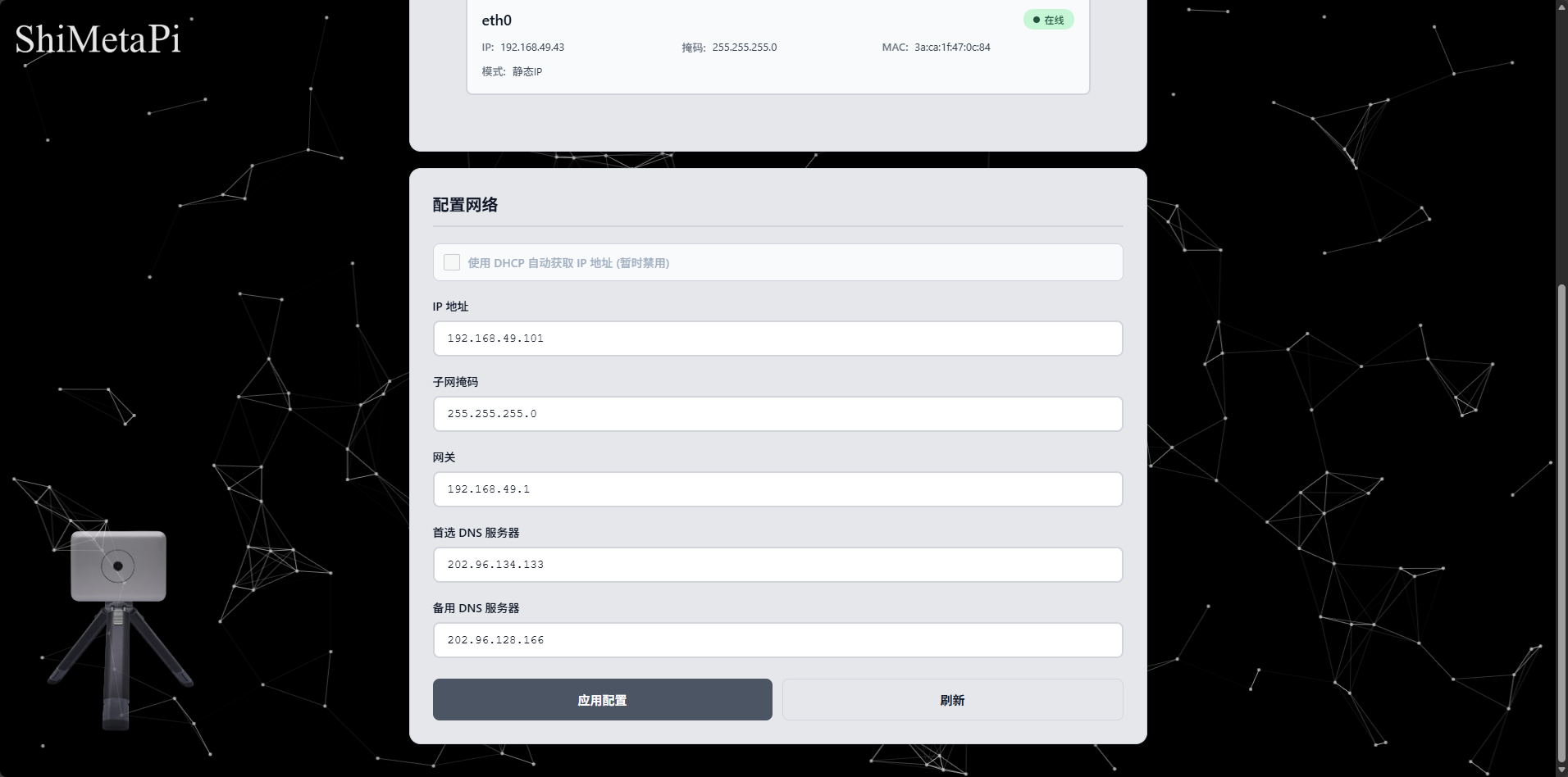
Configure the IP address, subnet mask, gateway, DNS, etc. to modify, and click Apply to save.
4. EVS sender
Configure the EVS sender parameters as needed on the configuration page, and click Save.
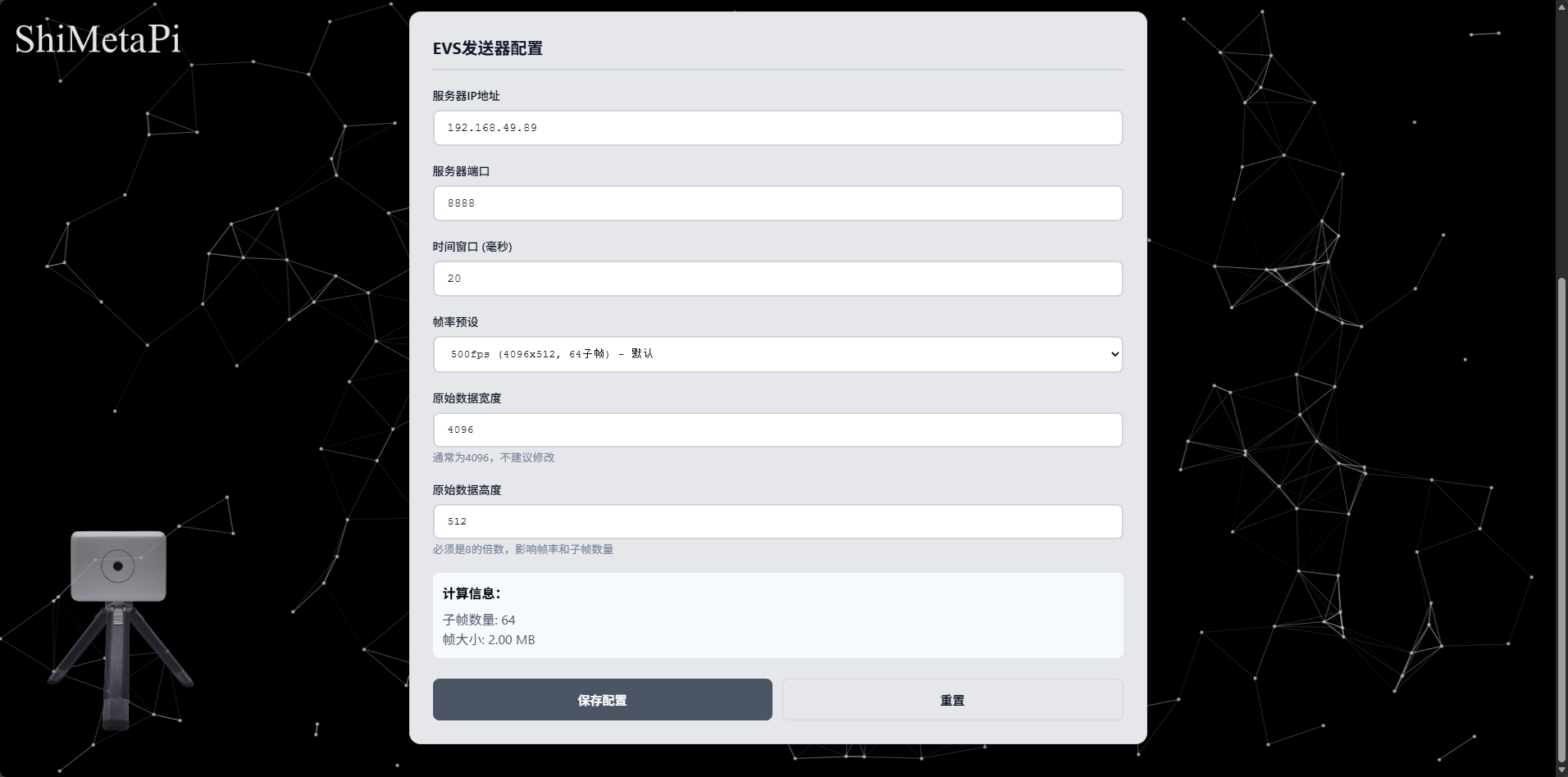
After starting the receiver and receiving, click the Start button; the EVS sender starts sending data.
5. APS sender
Configure the APS sender parameters as needed on the APS RTSP server configuration page, and click Save.
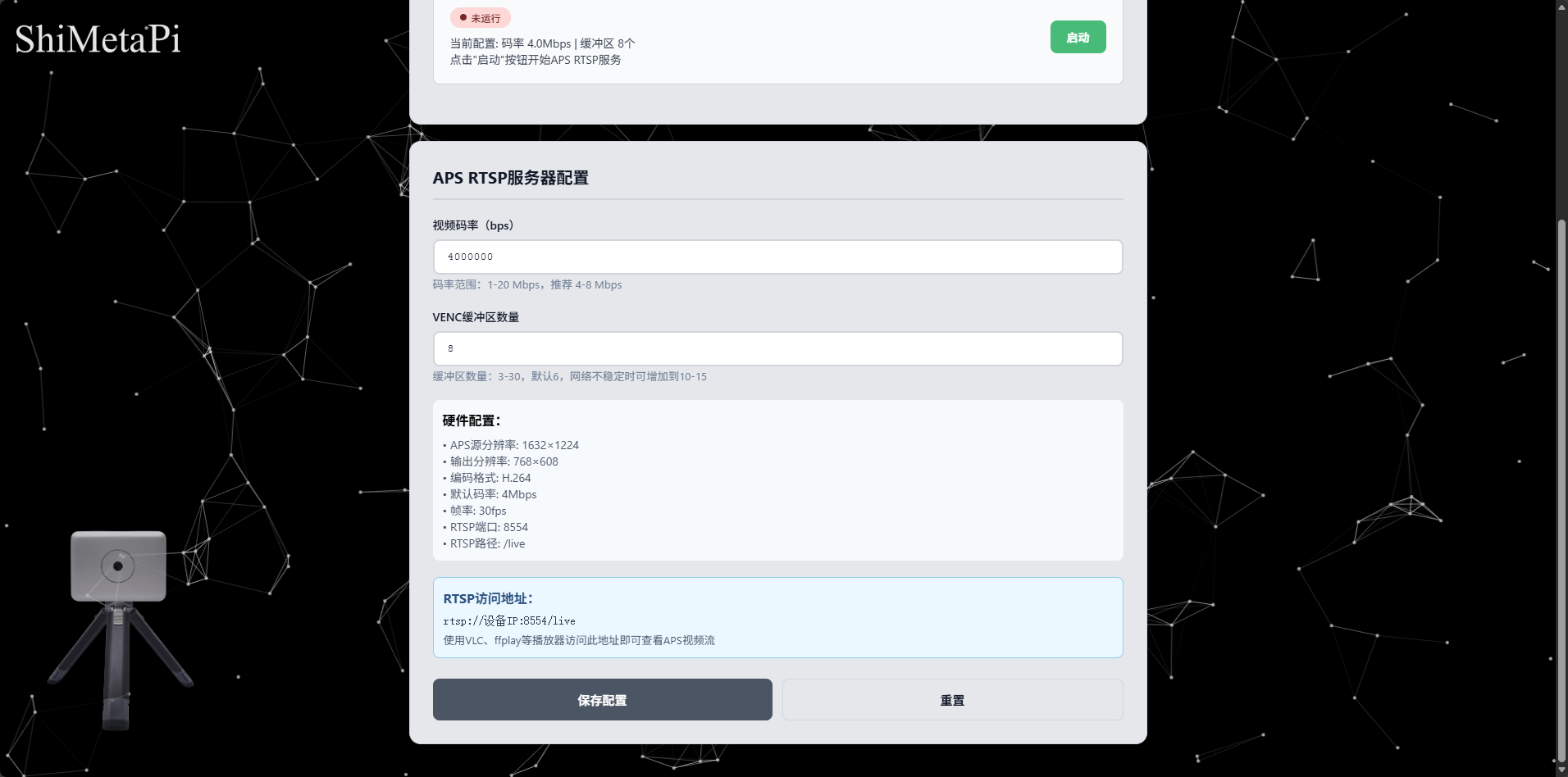
After configuration, click the Start button; the APS sender starts sending data. Access rtsp://<device-ip>:8554/live with a player such as VLC (replace <device-ip> with your camera's IP address).
6. Time sync
Click time sync to configure time sync.
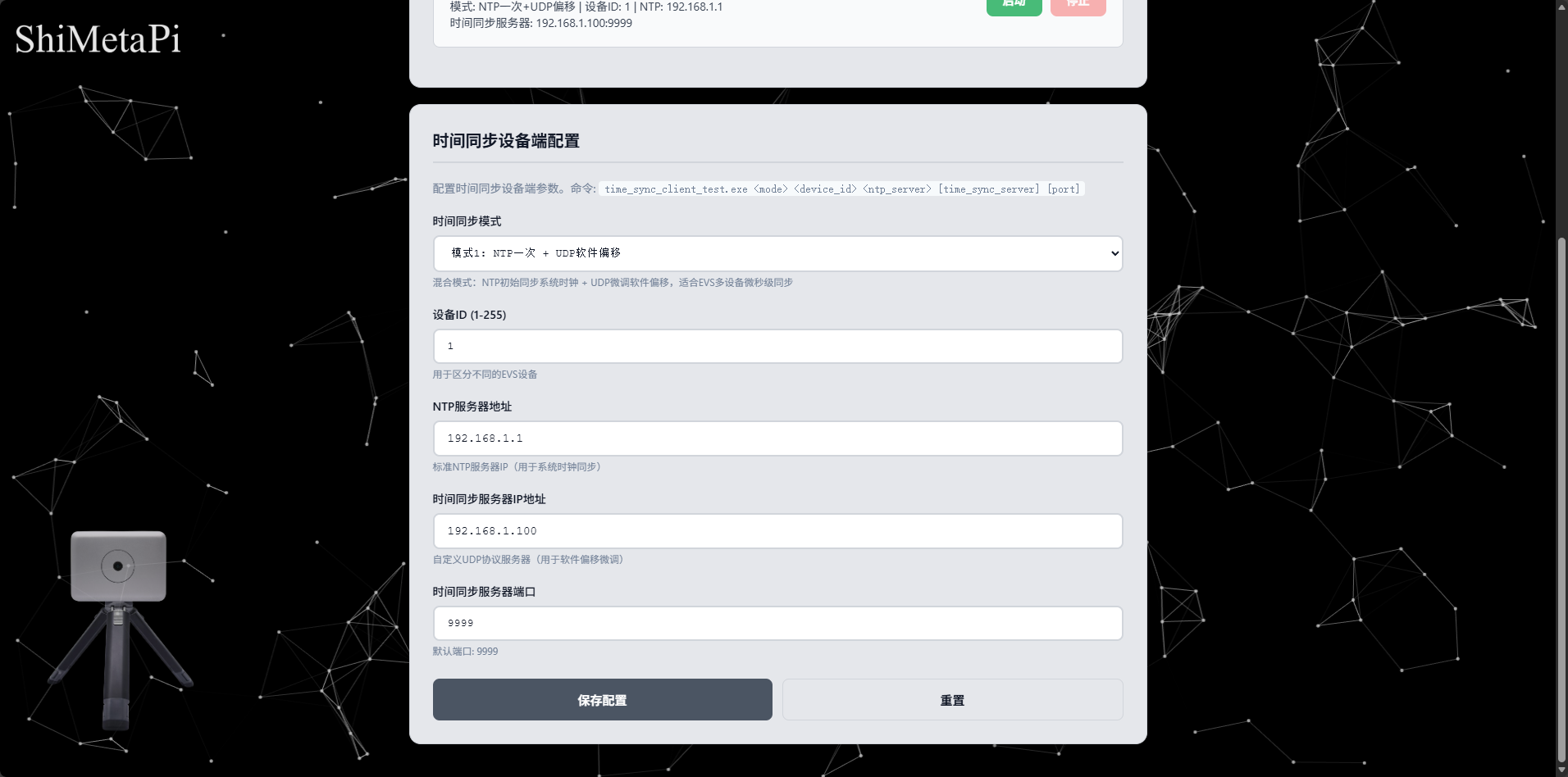
After configuration, click the Start button; time sync begins.
Tips
When configuring the EVS sender, the frame-rate preset must match the camera's actual frame rate.