
CF-NRS1 (Lingguang No.1 Hybrid Vision Camera)
1. Overview
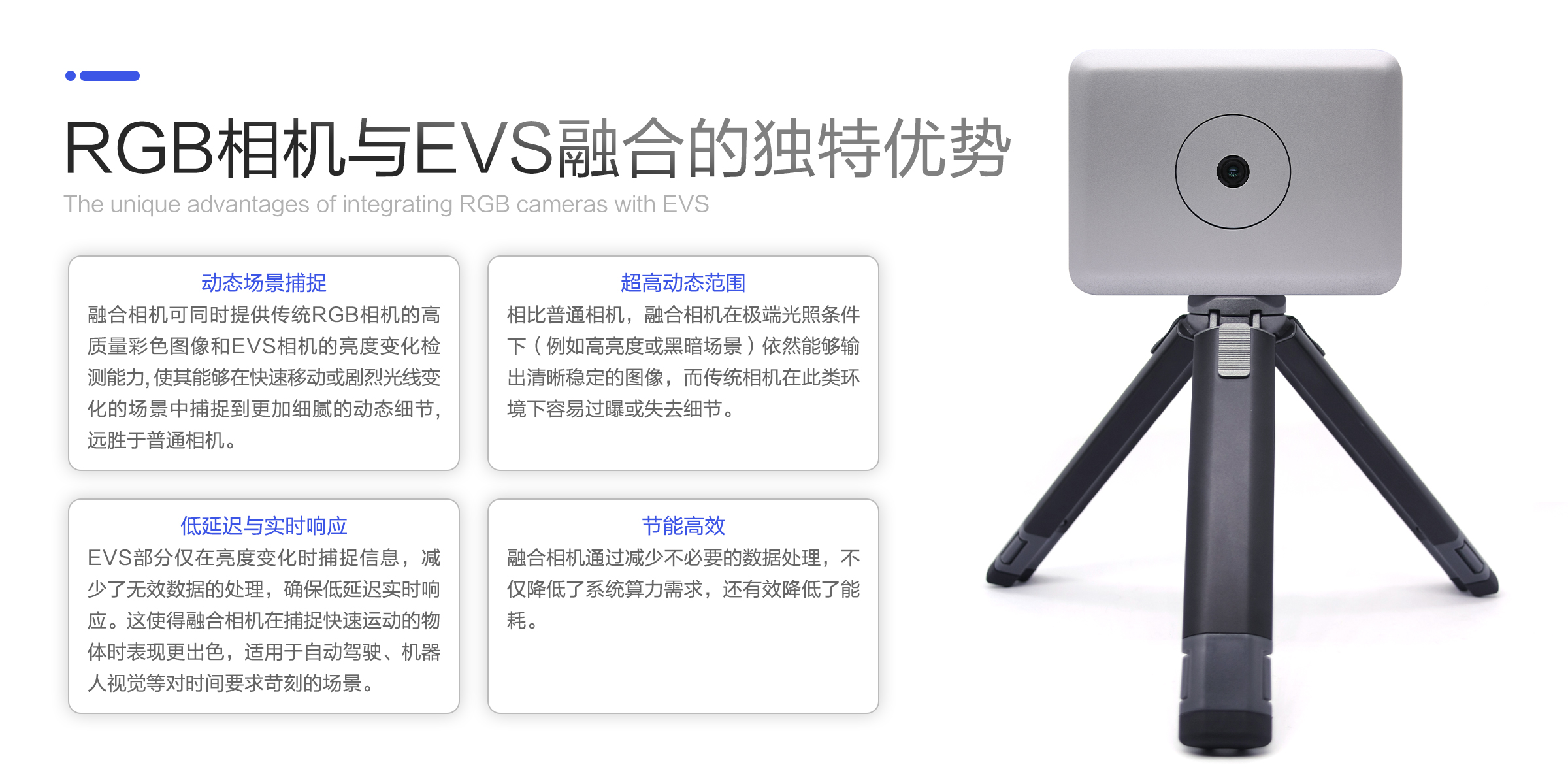
CF-NRS1 (Lingguang No.1) is a hybrid vision camera based on the AlpsenTek ALPIX-Eiger HVS chip. HVS fuses the image (APS/RGB) and event (EVS) streams within the same pixel array — at hardware level, pixel level, and microsecond-level synchronization — outputting a high-resolution image and an event stream simultaneously, breaking through the limitations of conventional imaging in speed, dynamic range, and latency. For details on the fusion architecture, see HVS Hybrid Vision.
2. Product: Lingguang No.1
The following parameters apply to the ShiMetaPi Lingguang No.1 hybrid vision camera:
| Parameter | Description |
|---|---|
| Sensor | ALPIX-Eiger |
| Resolution | 1632 x 1224 (RGB) ; 768 x 608 (EVS) |
| Temporal resolution | ≤1μs (microsecond-level response, supports high-speed event capture) |
| Dynamic range | RGB: >60dB ; EVS: >100dB (tolerates mixed strong/weak light scenes) |
| Optical specs | 1/2", CAR 34 |
| Pixel size | 1.89*1.89 μ |
| Shutter mode | Rolling shutter |
| Output interface | USB3.0 (supports real-time event data streaming) |
| Power | ≤5W (low-power design, suited for embedded applications) |
Start Here
- Understand event-camera principles → Fundamentals
- HVS fusion architecture (image + event on the same pixel) → HVS Hybrid Vision
- What it can do / application scenarios → Applications
- No camera? Try sample recordings first → Downloads
- Windows preview & recording → MultiVision Studio
- Linux secondary development → Hybrid Vision Toolkit / Hybrid Vision Algo
- Pick a sample and modify the code → Samples Overview
- Multi-device / remote control → EVS Server / Time Sync / Web Window
Product Capabilities at a Glance
As a USB camera, CF-NRS1 provides the following networking and remote capabilities (common to all USB cameras):
- Web Window: remote camera control from PC / mobile browsers → Web Window
- EVS Network Server: real-time TCP event-stream pushing → EVS Server
- EVS Time Sync: UDP microsecond-level multi-device time synchronization → Time Sync
- One-click VM image: a preinstalled-SDK Ubuntu image, ready to run on download → FAQ
3. Resources
- Baidu Netdisk
- Open-source community support
- Product center
- GitHub
- Gitee
- Technical support email: zmshen380@shimeta.com.cn
Tips
You can download related materials — such as the 03-Product Specification, 04-Hardware Materials, and more — from the Downloads page.
Note: software, tools, and source code referenced later in the docs can all be found in the Downloads section!